The app folder, and what else?
I'm building an app called Mafiozo. It's a host's assistant for the Mafia party game: it deals out the roles, suggests what to say and keeps track of the night.
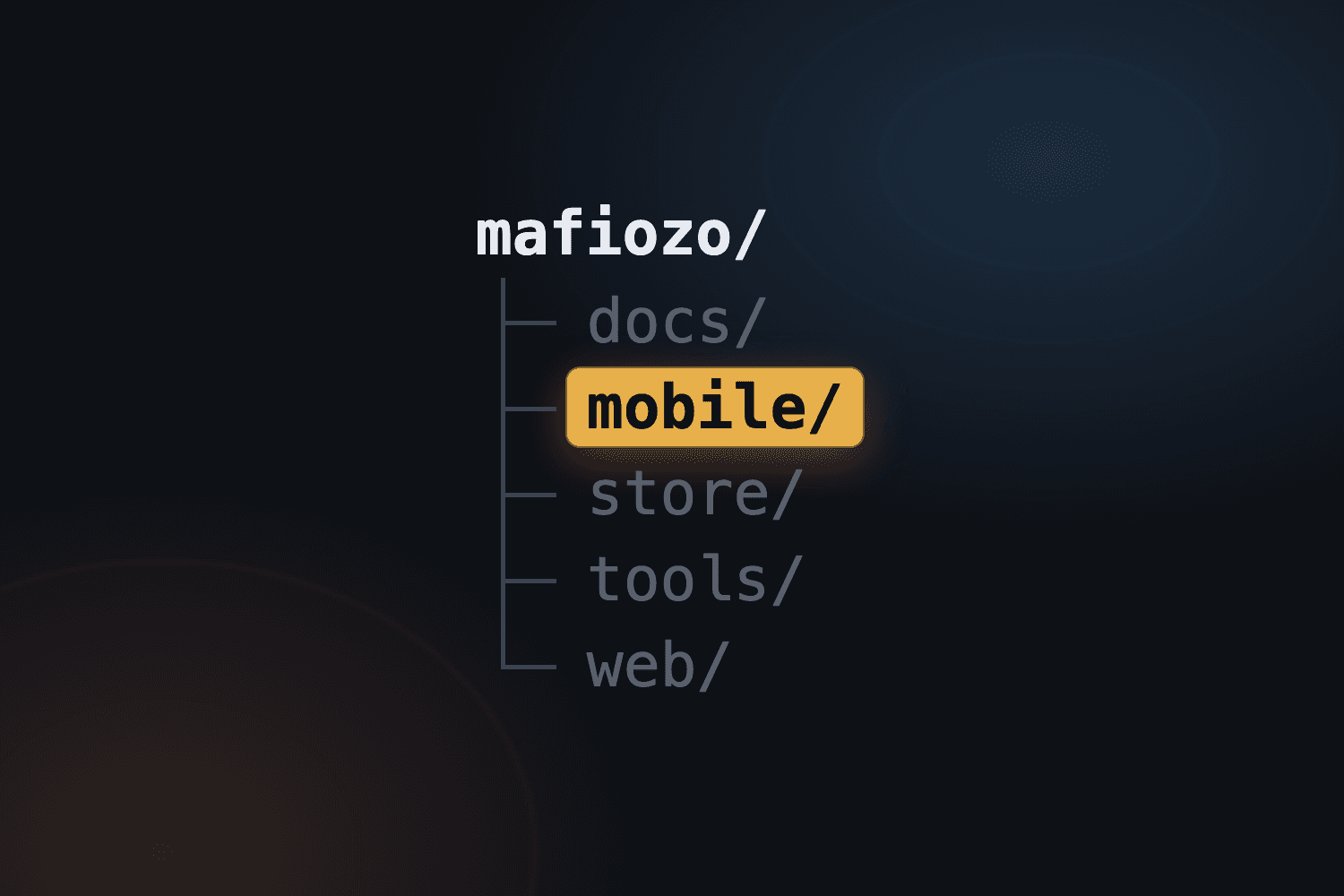
In part one I showed in a reel what the folder structure of my project looks like. Here is the same thing, but with a look inside: what is in every folder and what it is for.
The thesis is simple: to ship a mobile app, the app alone is not enough. Besides the code I need documentation, texts and graphics for the stores, scripts and a website. The app's code is one folder out of several.
The documentation and comments in the Mafiozo repo are in Polish. The file names below stay as they are, and the excerpts are my translations.
What the project looks like
mafiozo/
├── docs/        documentation
├── mobile/      the app
├── store/       texts and graphics for the stores
├── tools/       helper scripts
├── web/         website
├── AGENTS.md    instructions for AI agents
├── CLAUDE.md    imports AGENTS.md
└── README.md    index of the folders
I'm leaving out the hidden dot files and folders, since they aren't part of the layout.
docs/: what the app should do and how to build it
I start with documentation, because before the first screen exists, someone (me or an agent) has to know what the app is supposed to do. Some of the documents were written before the code, and some grow along with the project.
docs/superpowers/ holds the design and the plan, generated by an AI agent from my conversations with it:
specs/mafiozo-decyzje.md(decisions) is a decision log. Every entry has a date, an author and a reason, and assumptions the agent made that I haven't confirmed are marked with the word "guess" (in the original: "domysł"). Among other things it holds the color palette (background from#0F0F11to#1E1B1F, accent#A61B22) and the check that the name "Mafiozo" isn't taken.specs/mafiozo-projekt.md(design) is the full design: goals, non-goals and anti-goals, then the evening step by step, from the player list to changing the host. An example anti-goal: "the app slows the evening down: every step should be one tap".plans/mafiozo-implementacja.md(implementation) is a plan of 17 tasks, written for agents. The order is: pure game logic first, then texts and graphics, and the screens last. Every task starts with failing tests:
Task 2: Roles and counts
- Step 1: Tests (failing).
defaultMafiaCount: 5→1, 6→2, 7→2, 8→2, 9→2, 10→3, 12→3, 14→4.maxMafiaCount: 5→2, 6→2, 7→3, 10→4. ... - Step 2:
npm test -- roles→ FAIL.
Next to them are four shorter documents:
architektura.md(architecture): a map of the app's files and decisions worth keeping, each with a reason. For example: all interface texts live in one place, and the game logic is pure TypeScript where every file has a test.pierwsze-kroki.md(first steps): a one-time list of 18 things to click through after the project is created (EAS, AdMob, Firebase, Vercel, the stores). I tick them off and delete the file when everything is done.pulapki.md(pitfalls): pitfalls I already fell into, each with a reason. For example: once Apple approves a version, its "train" is closed and a new build under the same number is rejected, so I raiseversionbefore every store build.uruchamianie.md(running): how to start the app, the gate before a cloud build (a localxcodebuildfirst, because an EAS build costs queue time) and the release.
mobile/: the app itself
mobile/ holds the code of the whole app: Expo, for iOS and Android. This is what we usually mean by "the app". And it's only one of the folders. How it is built inside I'll show in another episode.
store/: materials for the stores
The stores are a separate job, so they get a separate folder: texts, graphics and declarations.
teksty.md(texts) is the one place where I keep the text fields: the name, subtitle, description, "What's new" and URLs. Every field has a character counter and the store's limit, which a validator checks (node tools/store/build-metadata.mjs --check), because App Store Connect doesn't warn about fields that are too long, it just rejects the save.- That's where the name "Mafiozo" and the separate subtitle come from: "Mafiozo: asystent do gry w mafię" is 32 characters and the limit is 30. The name is 7 characters, the subtitle 23.
zrodla/(sources) holds raw screenshots from the simulator and the emulator. Scripts turn them into graphics with captions (podpisy.json) and a look (styl.json), in the sizes the stores want, for example 1320×2868 for iPhone and 2064×2752 for iPad.appstore/opis.mdandplay/opis.md(opismeans description) hold everything that isn't a text field: privacy declarations (App Privacy in the App Store, Data Safety in Google Play), notes for the reviewer and categories. The declaration has to match in three places at once: in App Store Connect, in Data Safety and in the privacy policy.
This is what a field in teksty.md looks like:
Podtytuł (23/30)
Asystent do gry w mafiętools/: helper scripts
The scripts differ from app to app, because every app has its own needs. In Mafiozo a good part of them concerns the stores (tools/store/):
build-metadata.mjschecks the texts and limits,compose.pyandcompose_play.pybuild screenshots with captions, andkreatywne.pythe product page graphics,check_assets.pychecks the finished graphics: that it's a PNG, that the size is exact, that there is no alpha channel and that an sRGB profile is embedded,asc-diff.mjsshows what is on the App Store Connect account (read-only).
There is also tools/promo/ with scripts for a 30-second promo video: screen recordings from the simulator, captions in every language and music generated by plain Python. The rest are small things, like make_icons.py, which builds the icons from the mobster drawing.
This way a script checks the limits and formats, not me by eye.
web/: the website
For now it's only a temporary index.html. Eventually it will be a Next.js site hosted on Vercel, with a privacy policy, because Apple requires a privacy policy URL for every app, so the site is needed before the app can reach the App Store. It will probably get an episode of its own.
AGENTS.md: instructions for the agent
This is a file for AI agents that tells them how to work in this repo. It opens with the sentence "Expo HAS CHANGED": before writing code the agent has to read the docs of the right version, because what it knows from training may no longer apply. Then:
- There is no project state file. A state description in a
.mddrifts away from reality, so git and EAS decide the state. - Gates say what to run after which change.
- Rules that are easy to break, each with a reason. For example: before a store build I raise
version, and I runeas submitonly on explicit request, because it's a submission to review.
This is what the gates look like:
Gates
cd mobile && npx tsc --noEmitandnpm test— must pass before a commit.- A change in
store/teksty.md→node tools/store/build-metadata.mjs --check(--fix-labelsrecalculates the counters in the labels). A change in graphics →python3 tools/store/check_assets.py.
CLAUDE.md imports AGENTS.md, and README.md is an index of the folders.
What follows from this
To ship an app, besides the app itself I need:
- documentation, meaning what I'm building and how,
- texts for the stores, including enforcing the limits,
- graphics and screenshots in the required sizes,
- scripts that build and check all of this,
- a website with a privacy policy,
- instructions for the agent.
As you can see, the app is only one folder.
In the next parts I'll show how Mafiozo comes together. The reel for this part is on my Instagram: @adam_robi_appki.